
Gameplay
Gameplay and mechanics for Lacey's Flash Games: the point-and-click loop, branching choices, anomaly-spotting, atmosphere and sound design that build the analog-horror experience.
Introduction
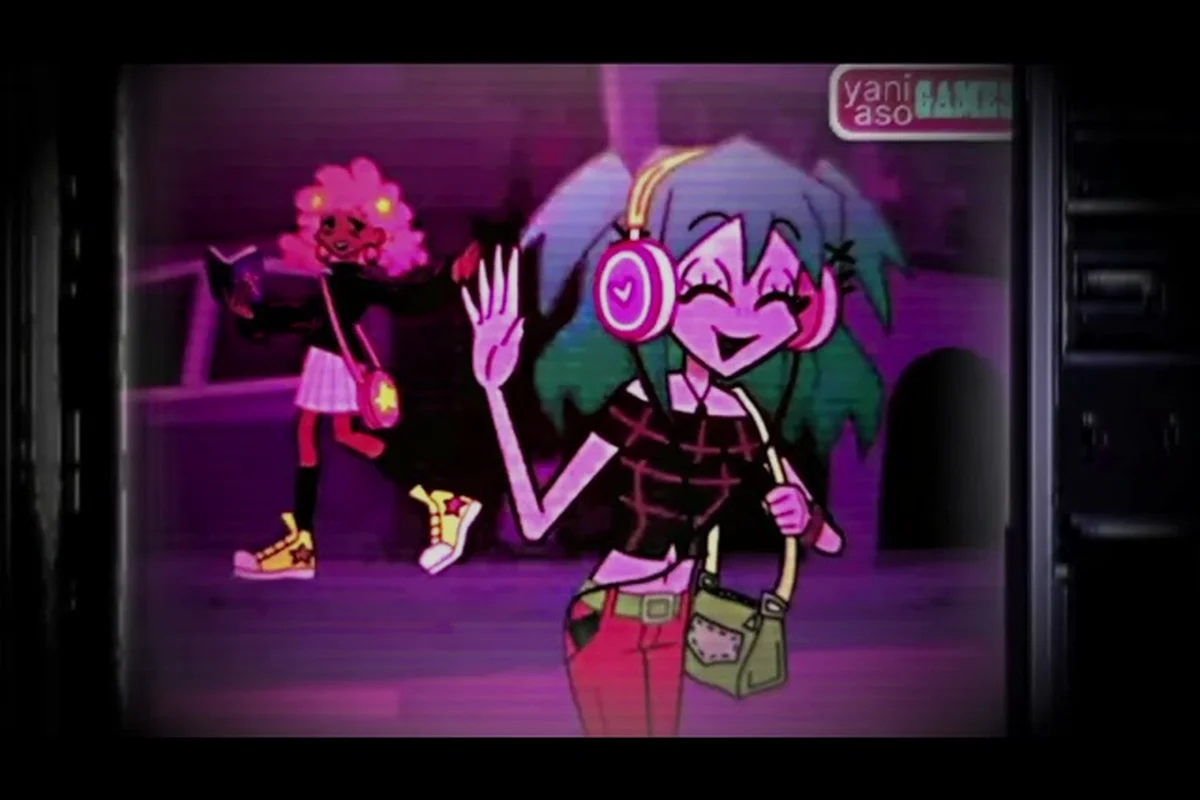
Under its soft pastel colors, Lacey's Flash Games runs on a surprisingly tight mechanical core. The loop is simple to state: read an instruction, click around the themed environment, and make a choice that branches the activity toward one of its endings. What makes the mechanics worth analyzing is everything layered on top of that loop. The instructions are narrated prompts that progressively stop making sense; the environment interaction invites you to click on anything, including objects that should not exist in the scene; and the branching choices reward the player who deliberately does the wrong thing. Around these systems, anomaly-spotting turns observational skills into gameplay, and the atmosphere — cute art, static textures and careful sound — does the emotional work that turns a point-and-click session into an analog-horror experience.
Systems Quick Reference
| System | How It Works | Why It Feels Off |
|---|---|---|
| Instructions | Read the prompt, then act on it | Prompts slowly lose their meaning |
| Point-and-Click Interaction | Click objects in the environment | Props appear where they should not be |
| Branching Choices | Every environment branches on your picks | The wrong option still counts |
| Anomaly Spotting | Notice displaced objects and odd behavior | Clues look like glitches at first |
| Atmosphere | Static, sound and pacing build dread | Cute frames wear a horror costume |
Mechanics Explained
Instructions
The rules that are meant to be broken
Interaction
The point-and-click environment layer
Branching Choices
The decision engine behind every ending
Anomaly Spotting
The observational skill with in-game payoff
Atmosphere
Static, sound and pacing that build the dread
Core Mechanics
Every activity in Lacey's Flash Games is built from the same four-part beat. First, instructions: each scene opens with spoken or written prompts that tell you what to do, framed either by the narrator Grace or the activity's own text. Second, interaction: you move a mouse cursor around a themed environment and click objects to act on them. Third, choice: at decision points the game branches, and crucially the branches include deliberately wrong options that produce their own endings. Fourth, anomaly detection: displaced objects, odd character behavior and broken instructions are not bugs, they are the game's preferred signal system. The whole loop rewards attention, patience and a willingness to disobey, which is the unusual skill the community calls the ignore-the-instructions route.
Advantages
The gameplay section explains on a mechanic level what players feel on an emotional level, which makes the whole wiki more useful. Understanding that instructions are unreliable content, not just guidance, reframes every walkthrough; understanding that wrong choices count reframes every replay. The section also gives words to the atmosphere — static, misplacement, pacing — so reviewers and players can describe the game more precisely, and it underlines the replay value argument: because content lives in the branch structure, the mechanical core converts a short-feeling first run into a long completion project that keeps every later session rewarding for a very different reason than the first.
Challenges
The main limit of the gameplay coverage is how little of it is independently verified at launch. The instruction loop and point-and-click interaction are directly observable from official copy and footage, but exact mechanics details — which choices branch which activity, how anomalies are distributed, how pacing escalates — are community-readings made from early playthroughs rather than developer documentation. Because the horror layer intentionally blurs what is designed and what is accidental, some of our anomaly claims could describe intentional effects we have not fully confirmed. We flag those readings as interpretations and tie the section to the news feed so mechanic shifts from patches stay visible.
Frequently Asked Questions
Is Lacey's Flash Games only point and click?+
How do choices affect gameplay?+
What do the moments of wrong things in the environment mean?+
Is there replay value in the gameplay?+
Quick Tips
Treat every instruction as two messages: what it literally says and what the game is actually asking you to notice. Prompt text in this collection is content, and the moment it stops making sense you have usually found the real event of the scene. Keeping that dual reading in your head from the first activity makes the whole horror layer far easier to track from the start.
Click everything at least once, even props nobody mentioned. The point-and-click system routes secrets through displaced objects, so the least sensible click target is statistically the most interesting one. Build the habit in the very first environment and you will walk into every later mini-game already knowing where the secret routes tend to hide.
Run controlled choice experiments: replay an activity changing exactly one decision each time. Single-variable replays generate the cleanest data about how the branching works and are how the community rebuilt most of the structure. Write the changed choice down before you replay, then compare the two closing screens and you will learn more from one experiment than from three scattered replays.
Lower your reaction speed rather than raising it. This game rewards patient observation — lingering on a scene long enough to notice the ambient sound change or an object reposition is gameplay, not indecision. Sit back, let prompts play out and give every environment a full scan before you click, and the anomaly layer will reveal itself almost automatically.
Featured
Lacey's Flash Games Decisions: Every Choice Changes the Story
Navigate Lacey's Flash Games decisions to see how interactive choices redirect the narrative and uncover alternate consequences through replaying key moments.
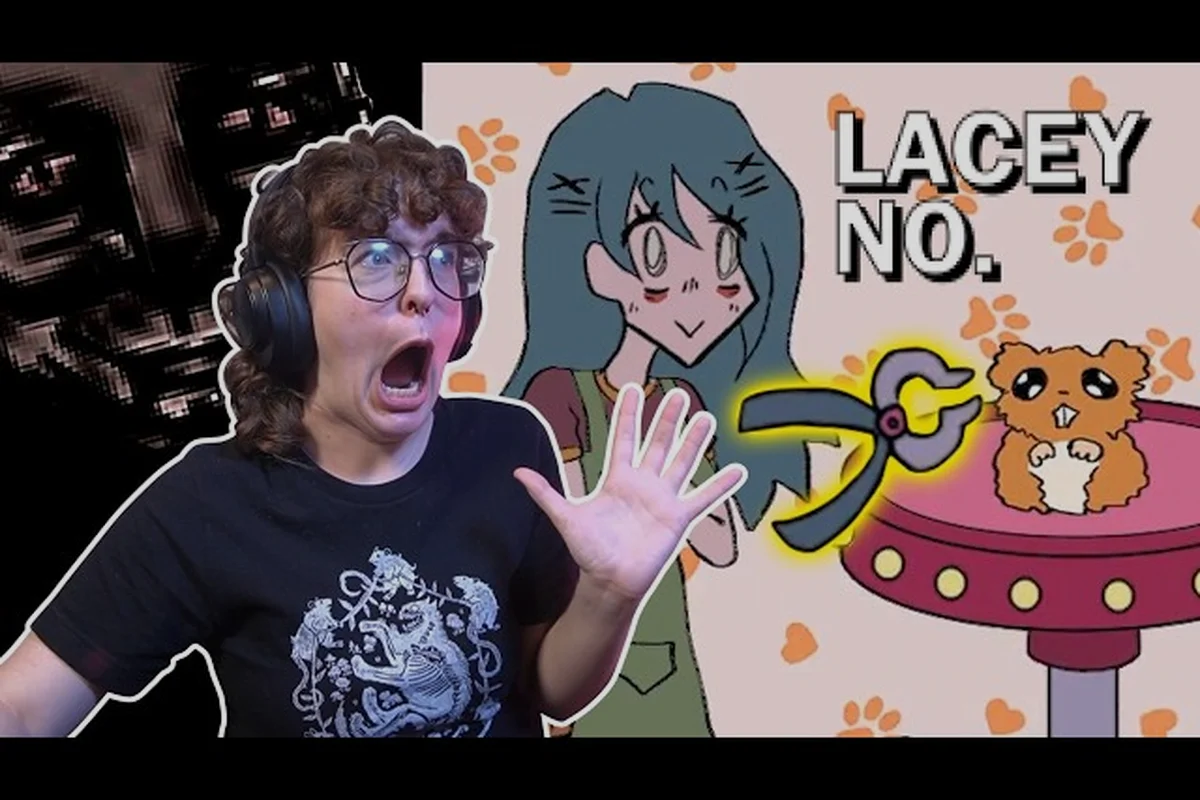
Lacey's Flash Games Environment Interaction: Spot Oddities
Explore lacey's flash games environment interaction to spot visual glitches, strange events, misleading instructions, and anomalies hidden across each scene.
Lacey's Flash Games Gameplay: Point-and-Click Chaos
Explore Lacey's Flash Games gameplay, where mouse-driven puzzles, branching choices, and strange minigames turn every click into a risky discovery.
All Articles

Lacey's Flash Games Soundtrack: Audio, Voices, and Game Feel
Listen to Lacey's Flash Games soundtrack and explore how its music, audio cues, voice acting, and recurring sounds shape the unsettling gameplay loop.

Lacey's Flash Games Tension: How Dread Builds and Breaks
Lacey's Flash Games tension comes from unsettling sound cues, strange encounters, and growing dread that makes every click feel increasingly dangerous.
Lacey's Flash Games Wrong Choices: Consequences and Replays
Test Lacey's Flash Games wrong choices to uncover unintended outcomes, surprising consequences, and the value of replaying this single-player oddity.
Lacey's Flash Games Solo Game: Length, Pace, and Atmosphere
Assess Lacey's Flash Games solo game through its compact length, deliberate pacing, unsettling atmosphere, and experience built entirely around mouse controls.