Media
Official media for Lacey's Flash Games: the release trailer, the game intro, the Real Girls' Games demo promo, in-game screenshots and the laceygames.com.br devlog loop audio.
Introduction
The media hub gathers every piece of official Lacey's Flash Games footage and artwork in one place so you can find the release trailer, the game intro, the demo promo and the key screenshots without digging through multiple platforms. The release trailer lives on the official ghosttundra YouTube channel, the game's opening intro plays inside the client, the Real Girls' Games demo got its own promotional video, and the Steam store page hosts nine 1920x1080 screenshots that show the candy-pink collection at full resolution. The section also tracks the audio side of the game's presentation, including the looping devlog audio on the official site, and separates strictly official materials from the fan creations that follow in their wake.
Media Library
| Media | Where to Find It | Format |
|---|---|---|
| Release Trailer | Official ghosttundra YouTube channel | Video |
| Intro | In-game opening sequence | Video |
| Demo Promo | Official channel | Video |
| Screenshots | Steam store page | Nine 1920x1080 images |
| Devlog Loop Audio | laceygames.com.br | Audio |
Media Hub
Release Trailer
The official release-date reveal on YouTube
Intro
The opening sequence inside the game itself
Demo Promo
The Real Girls' Games preview video
Screenshots
The nine official 1920x1080 store captures
Devlog Loop Audio
The site's looping audio on the official devlog
Core Mechanics
The media section is organized around the word official: every entry is tied to a primary source, whether that is the official YouTube channel, the Steam store page or the game's own client. That rule matters in a fandom like this one, because the game's ARG-style presentation blurs the line between official material and fan work, and because the boundary between the game and the live site is deliberately porous. The section sorts entry types — trailers, intro sequences, promos, screenshots and audio — so each format has its own reference article, and it always distinguishes developer-published footage from community interpretations, videos and edited content. Nothing here is presented as canonical media unless its source page can back it up.
Advantages
The media hub saves real time for three groups. Fans hunting official footage get a single index instead of searching across YouTube, Steam and the devlog site. Creators making videos, edits or guides can grab the trailer and screenshot references without touching unverified uploads. And players deciding whether the game is for them can watch the correct trailer and skim the official screenshots rather than gambling on noisy search results. Because every entry links back to its verified source, the hub also doubles as a source list for anyone writing about the game's official presence, which keeps citation work to a single page.
Challenges
Two limitations keep the media section conservative. First, official material for a game this new is finite: one release trailer, one intro, one demo promo, nine screenshots and the devlog audio is the full official catalog right now, so the hub cannot be endless. Second, the boundary between the game and the live site is intentionally porous, which means some official-looking items — like the devlog audio and the site's presentation — sit in a gray area that we label clearly. Fan works look like the game by design, so the section actively avoids presenting unofficial edits as canonical media.
Frequently Asked Questions
Where can I watch the official trailer?+
Are the screenshots official?+
Is there an official soundtrack?+
Where does the devlog loop audio come from?+
Quick Tips
Bookmark the official ghosttundra channel for trailers and promotional videos. It is the verified home of the release trailer, the demo promo and any future official broadcasts, so starting from the channel link in the footer keeps you out of the re-upload maze. Checking the channel's video tab occasionally is also the fastest way to catch new official material before it spreads through secondary sources.
Use the nine Steam screenshots as your shared visual vocabulary. The 1920x1080 gallery is the official color and style reference — quoting a screenshot by its store page position, like the fourth slide, is the fastest way to point someone at a specific scene without rehosting the image. Describing scenes with store-page coordinates keeps everyone looking at the same official frame.
Keep media and interpretation separate when sharing a find. The trailer, intro and screenshots are official; the video essays, edits and analysis videos posted daily by fans are commentary. The media hub deliberately lists both layers so you can cite the right one, and pulling that distinction into your own posts is what keeps fandom discussions from mistaking a fan edit for developer footage.
Check the devlog audio on laceygames.com.br alongside the trailer. Because the site's audio loop is part of the game's ARG presentation, pairing it with the official footage gives the most complete picture of the collection's official output. Give the loop a couple of minutes on its own too — the mood it sets is one of the best free samples of the game's tone available anywhere.
Featured
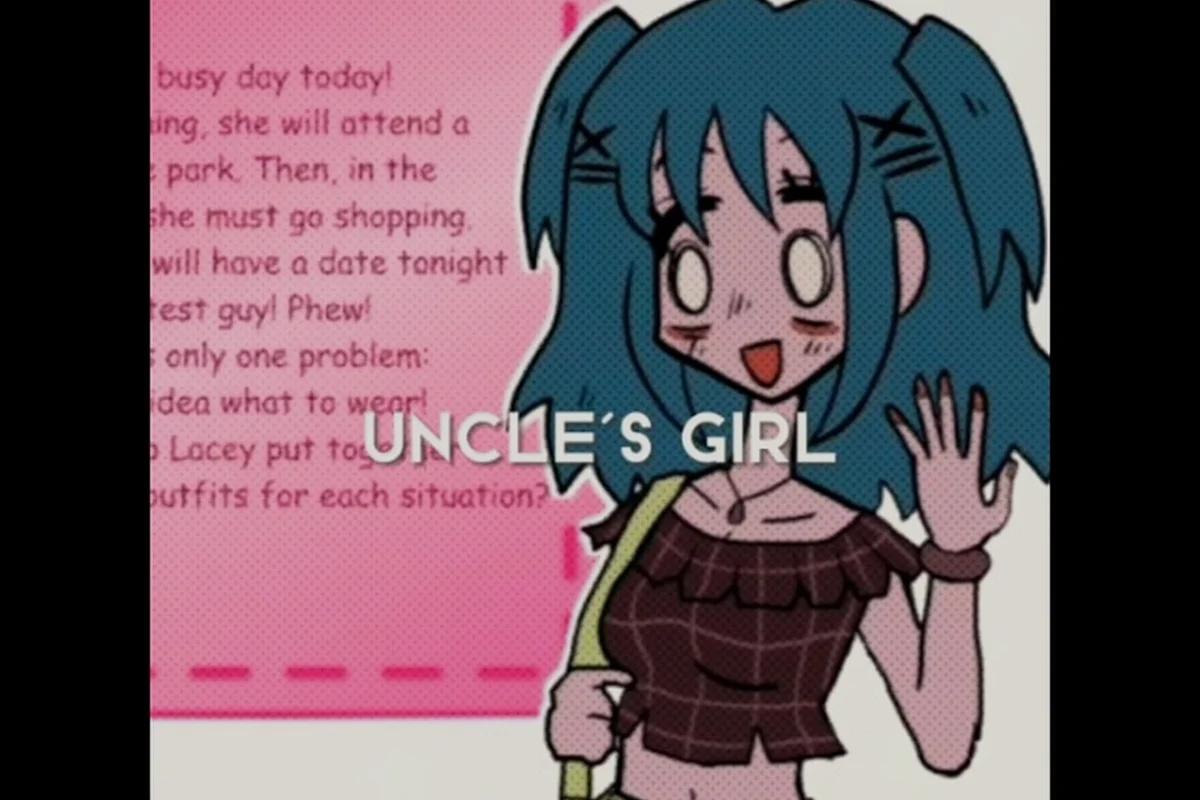
Lacey's Flash Games Character Art: Portraits and Fan Creations
Explore Lacey's Flash Games character art, from official portraits and striking character designs to fan art, cosplay, and music video visuals.
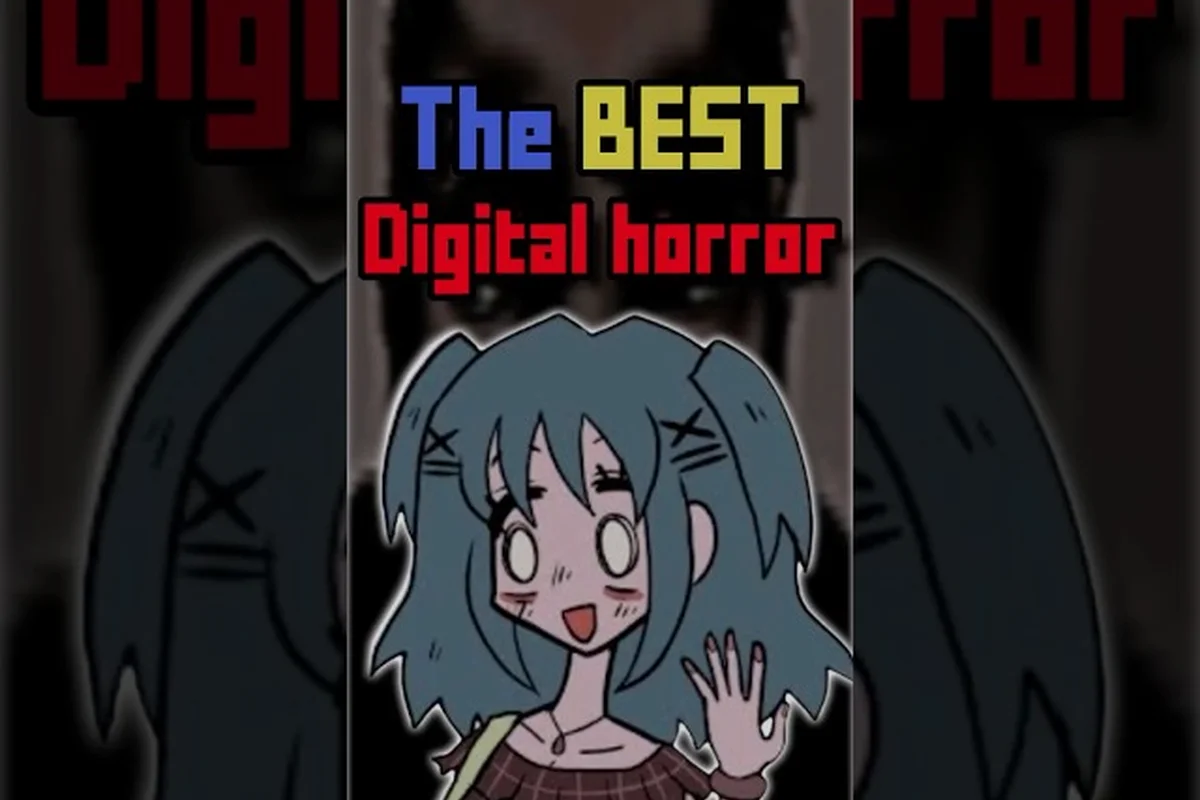
Lacey's Flash Games Edit: Fan Videos and Official Media
Explore the Lacey's Flash Games edit scene through fan video remixes, the Lacey animation, promotional images, and official press kit materials.
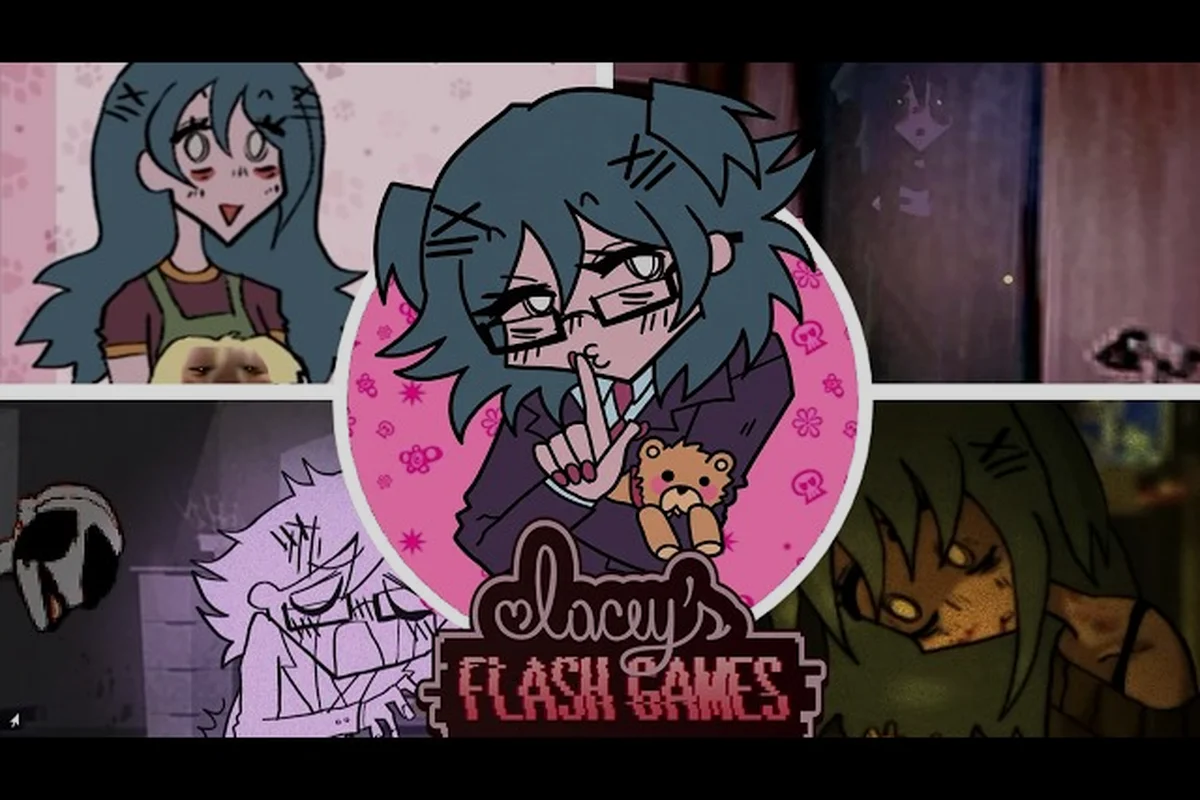
Lacey's Flash Games Let's Play: Full Video Walkthrough
Follow Lacey's Flash Games let's play for a complete video walkthrough, from the opening moments through puzzling scenes, strange events, and major choices.
All Articles
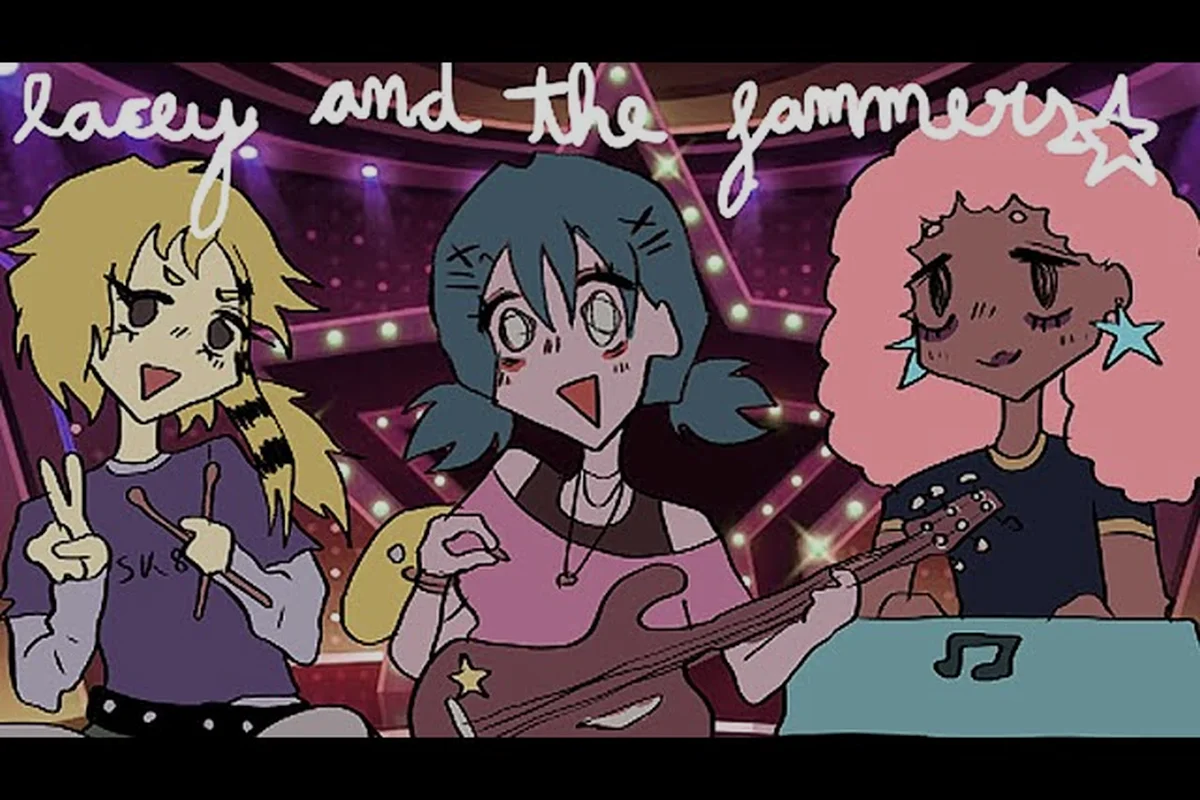
Lacey's Flash Games Song: Jammers Track and Audio Highlights
Listen to Lacey's Flash Games song, from the Jammers musical sequence to tense ambience and meme-worthy moments that shape the game's distinctive atmosphere.
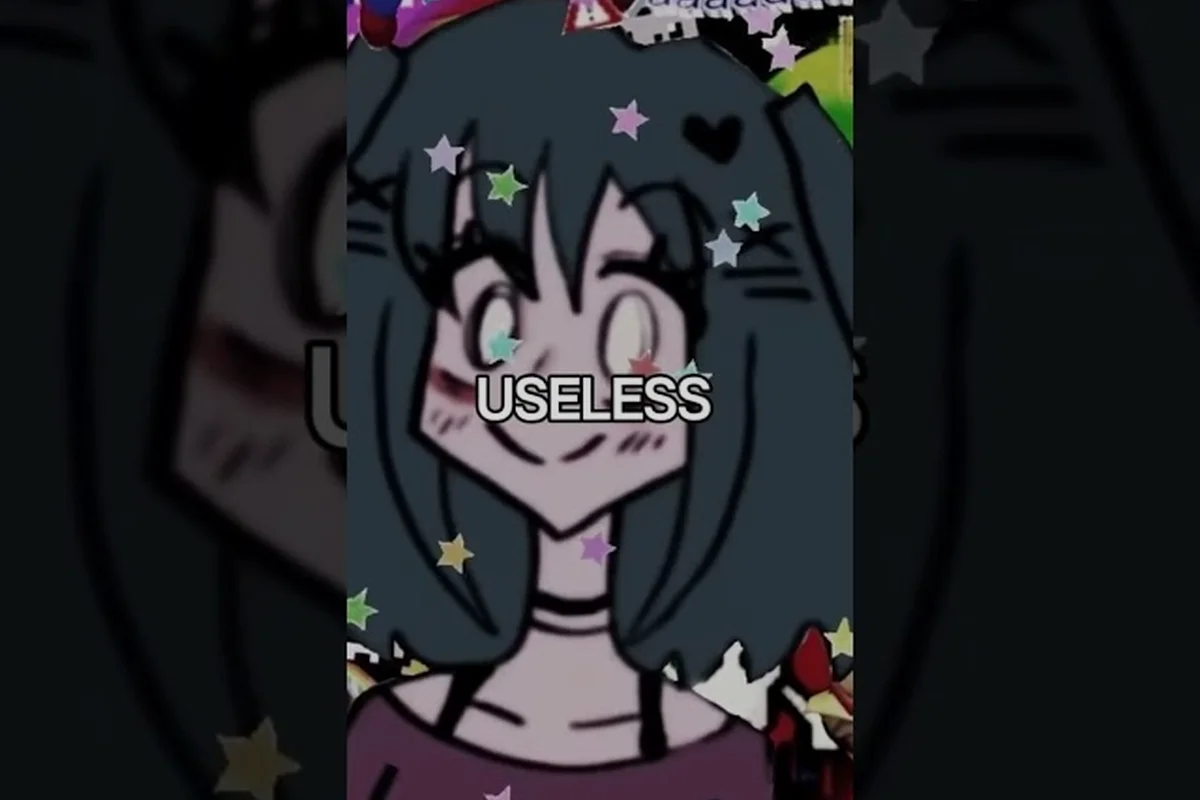
Lacey's Flash Games TikTok Clips: Best Viral Moments and Edits
Explore Lacey's Flash Games TikTok clips featuring viral reactions, unsettling scenes, memes, and fan edits that highlight the game's most memorable moments.
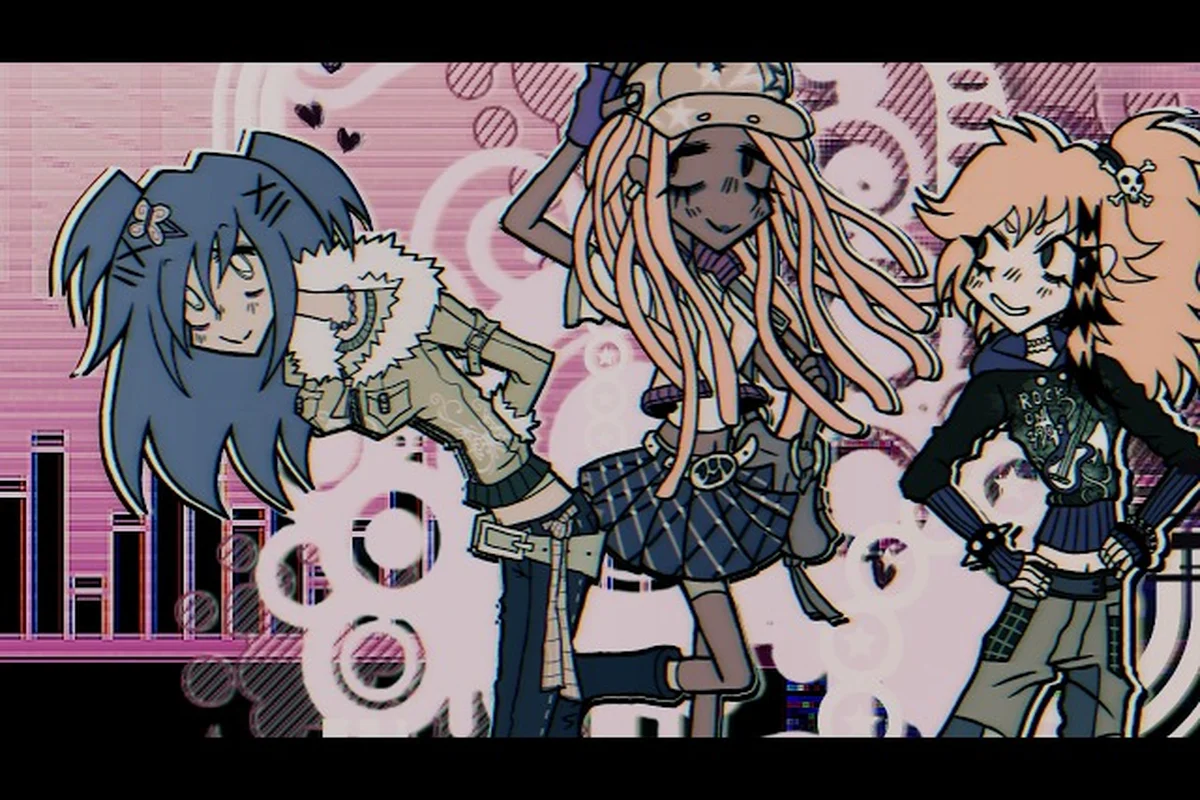
Lacey's Flash Games Trailer: Release Video and Intro Clues
Watch the Lacey's Flash Games trailer for official release footage, gameplay highlights, and subtle intro clues that preview its strange interactive world.