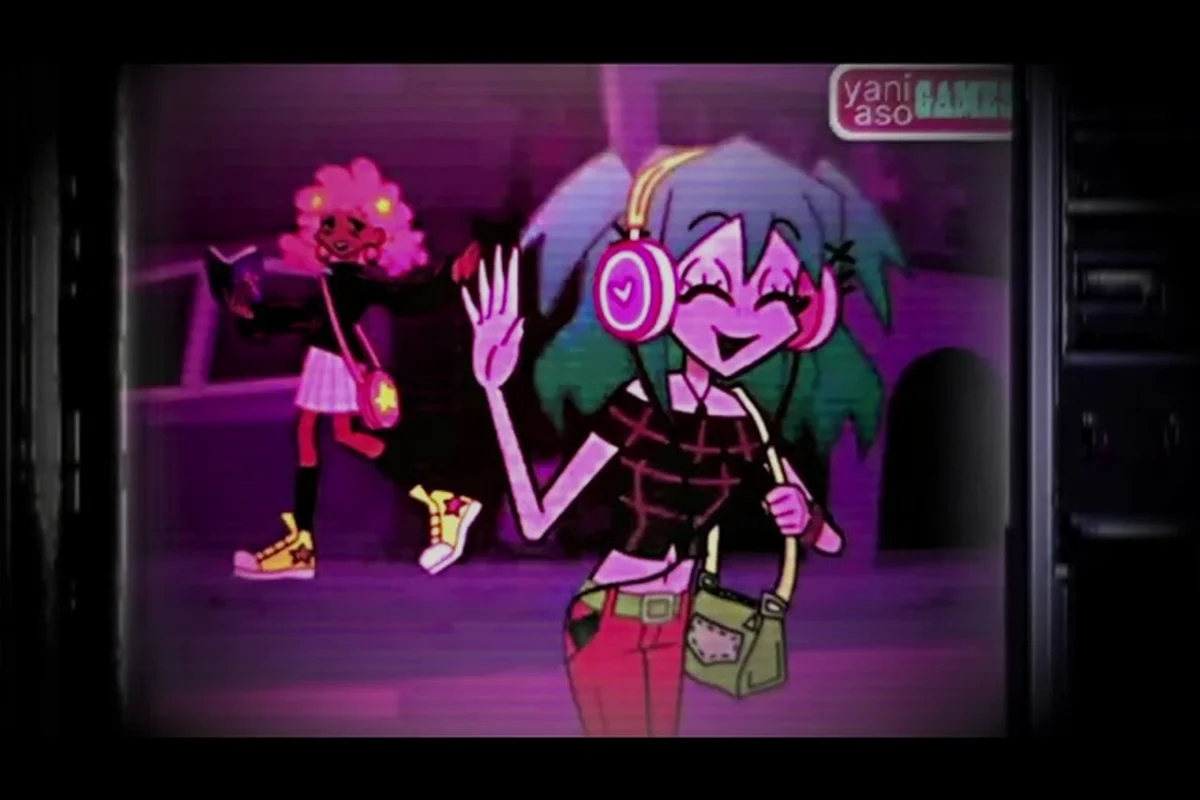
The opening hour of Lacey's Flash Games decides which endings you can reach, and this prologue guide maps every choice that matters. Most players finish the intro without realizing they already locked a route, so knowing the ending requirements early saves a full replay.
What the Prologue Actually Sets Up
The prologue is not a tutorial you can sleepwalk through. It is a short sequence of interactive flash-style scenes where your clicks, timing, and dialogue picks quietly register as flags the game checks later. Community players who have charted the routes report that three distinct flags get written during the intro: how you treat the first NPC, whether you inspect the hidden browser tab, and how fast you clear the first minigame.
Understanding this matters because Lacey's Flash Games does not warn you when a branch closes. There is no popup saying "you missed the good ending." You simply reach the finale and get whichever outcome your flags allow. That is why an intro guide is worth reading before you press start rather than after.
The prologue runs roughly 8 to 12 minutes depending on how much you explore, and it contains four interactive scenes plus one optional hidden interaction. Skipping the optional interaction is the single most common reason players get stuck on a single ending.
-
Scene 1 — The Desktop: click through the fake OS interface and open the correct folder
-
Scene 2 — The First Game: a short reflex minigame that sets a performance flag
-
Scene 3 — The Conversation: dialogue choices that assign your relationship value
-
Scene 4 — The Glitch: a timed sequence where hesitation changes the outcome
-
Optional — The Hidden Tab: a browser tab that only appears if you idle on the desktop for a few seconds
If you want a broader breakdown of how these screens connect, the interface walkthrough explains each UI element in detail, including the hidden details most players scroll past. Pay particular attention to its coverage of the fake OS taskbar and the browser window chrome: the Hidden Tab only renders after roughly five seconds of idle time on the Desktop scene, and its tab icon sits flush against the window edge, so players who click through Scene 1 quickly never see it spawn. The walkthrough also maps how the reflex minigame's performance flag feeds into the Scene 4 Glitch timing window, which is why a slow Scene 2 clear can quietly lock you out of the best finale before Scene 3 dialogue even begins.
Lacey's Flash Games Intro Guide: Scene-by-Scene Walkthrough
Treat each scene as a checkpoint, because Lacey's Flash Games tracks your progress scene by scene rather than autosaving mid-puzzle — clear a scene and it locks in, but a single wrong click inside it can branch you toward a bad ending before you ever reach the next checkpoint. The intro guide below assumes a first playthrough with no prior knowledge, so it flags the exact moments where a wrong click costs you an ending, and it names which scenes are safe to experiment in versus which ones you should replay from a fresh save if you misstep.
Scene 1: Navigating the Fake Desktop
The desktop is a puzzle disguised as a menu. You need to open the folder labeled with the corrupted icon, not the tidy one. Players who open the clean folder first still progress, but they skip a line of context that later dialogue references. Take ten extra seconds to open both.
Scene 2: The Reflex Minigame
This is where the performance flag is set. Clearing the minigame under a certain time threshold is not required to finish the prologue, but it does feed into one ending's requirements. Based on community testing, finishing with no missed inputs is the safest target. Missing inputs does not fail you — it just narrows your options later.
Scene 3: Dialogue Choices That Lock Routes
The conversation is the most consequential part of the prologue. There are three dialogue prompts, and each one nudges a hidden relationship value up or down. You do not see a meter, which is exactly why players misjudge it: the first greeting quietly sets your trust baseline, the question about the past decides whether you walk away with the clue the true ending demands, and the final response is the only place curiosity can be stacked alongside trust. Miss the trust gain on prompt one and the cooperative ending is already out of reach before Scene 4 begins.
| Dialogue Prompt | Choice A Effect | Choice B Effect | Ending Impact |
|---|---|---|---|
| First greeting | +1 trust | 0 trust | Trust gates the cooperative ending |
| Question about the past | Reveals a clue | Skips the clue | Clue needed for the true ending |
| Final response | +1 trust, +1 curiosity | +1 curiosity only | Curiosity gates the secret ending |
The pattern is simple once you see it: trust and curiosity are the two currencies of the prologue. Every ending requirement in the game traces back to one of them, and the intro is where you earn your starting balance.
Scene 4: The Glitch Sequence
The timed glitch scene rewards patience over speed. Waiting for the screen to stabilize before clicking produces the stable flag, while clicking immediately produces the unstable flag. Neither is "wrong," but the stable flag is required for the cleanest ending, and it is easy to miss if you are rushing to finish the intro.
Lacey's Flash Games Ending Requirements Guide
This is the section most players search for after finishing once and feeling shortchanged. The ending requirements are not hidden behind skill checks — they are hidden behind prologue flags, which is why a replay guide and an ending requirements guide overlap so heavily.
The mapping below reflects the four prologue flags that actually gate endings, drawn from community-reported route data rather than guesswork: the stable glitch flag (triggered by leaving the glitch tab open through the first folder prompt) feeds the cooperative ending, the hidden tab inspection unlocks the true ending path, and opening the corrupted folder first pushes curiosity to 3 for the secret ending. Because the neutral ending is the default when trust sits below 2 and curiosity below 2, players who rush the intro without inspecting anything land there automatically — which is why the flag order matters more than raw playtime.
| Ending | Trust Required | Curiosity Required | Prologue Flag Needed |
|---|---|---|---|
| Cooperative ending | 2 or higher | Any | Stable glitch flag |
| True ending | 2 or higher | 2 or higher | Hidden tab inspected |
| Secret ending | Any | 3 or higher | Corrupted folder opened first |
| Neutral ending | Below 2 | Below 2 | None (default outcome) |
The true ending is the one that requires the most prologue attention, because it demands both trust and curiosity plus the optional hidden tab. Players who skip the hidden tab can still hit the cooperative ending, but the true ending stays out of reach until they replay the intro.
For a complete list of every outcome and how they differ, the full endings list breaks down each finale scene by scene. It is worth reading after your first completion so you can see exactly which flag you missed.
Why the Neutral Ending Happens So Often
The neutral ending is the default. If you play the prologue casually — click through dialogue, skip the hidden tab, rush the glitch — you land here. It is not a punishment; it is simply the outcome the game gives when no flags are set. Roughly half of first-time players report getting it, according to community discussion, which tells you how easy the prologue flags are to overlook.
Lacey's Flash Games Replay Guide: Resetting for New Endings
Here is the good news: you do not need a fresh save file for every ending. The game lets you restart the prologue from the main menu, and your ending log persists across runs. That means each replay only needs to cover the intro scenes, not the entire game.
A focused replay takes about 10 minutes if you know the route, since the prologue's intro scenes are fixed and only the branching flags change. Budget roughly 2 minutes for the corrupted folder check, 3 minutes for the desktop idle window that spawns the hidden tab, and 5 minutes for dialogue picks plus the glitch-screen stabilization wait. Use this checklist to plan each run:
- Decide which ending you are targeting before you start
- Open the corrupted folder first if you want the secret ending
- Idle on the desktop to spawn the hidden tab for the true ending
- Pick both trust-raising dialogue options for cooperative or true endings
- Wait for the glitch screen to stabilize before clicking
- Check the ending log after the finale to confirm the unlock registered
The replay guide principle is simple: change one variable per run. If you alter dialogue and glitch timing together, you will not know which change produced the new ending. One flag at a time keeps your route data clean and makes the ending log easy to interpret.
If you also want to chase the optional content, the minigame unlock walkthrough covers how the prologue minigame connects to the wider minigame set — several of those unlock conditions are seeded by how you perform in Scene 2.
Tracking Your Ending Progress
The ending log is your best tool and most players ignore it. It records which finales you have seen, and it is the fastest way to confirm whether a replay actually changed anything. Before you start a new run, open the log and note the gaps. That single habit turns random replays into a deliberate route plan.
Common Prologue Mistakes That Cost Endings
Most of the frustration around Lacey's Flash Games comes from a handful of repeatable mistakes, and every one of them is catalogued in the table below with its exact cost and fix. None of them are skill issues — they are attention issues. The prologue never punishes slow reflexes or missed inputs; it punishes skipping, rushing, and assuming a scene is decorative. A player who idles on the desktop, waits out the glitch scene, and logs flags before replaying will clear every ending requirement on the first or second run, while a faster player who clicks through the same scenes blind can burn four or five replays chasing a true ending that was locked from the start.
| Mistake | What It Costs | Fix |
|---|---|---|
| Skipping the hidden tab | True ending becomes unreachable | Idle on the desktop for a few seconds |
| Rushing the glitch scene | Stable flag lost | Wait for the screen to settle |
| Picking one trust option only | Cooperative ending missed | Choose both trust-raising replies |
| Opening the clean folder first | Secret ending flag not set | Open the corrupted folder first |
| Replaying without checking the log | Duplicate endings, wasted runs | Note gaps before each replay |
The hidden tab is the biggest offender. It does not appear immediately, and players who click through the desktop quickly never see it. Give the screen a few seconds of stillness and it shows up — that is the entire trick.
A second trap is assuming the prologue is skippable on replay. It is not, at least not if you want a different outcome, because the flags are written during those scenes. You can move fast, but you cannot skip. The reason is mechanical rather than punitive: the hidden tab, the glitch scene settle check, and both trust option replies each write their flag at the moment the scene resolves, so a skipped scene logs nothing and your ending requirements stay exactly where they were. This is why a blind click-through can burn four or five replays — each run re-locks the same endings because the underlying flags never changed. Fast is fine; fast and skipping is what costs you the true ending.
How the Prologue Fits the Bigger Picture
The intro is a compressed version of the whole game's design philosophy: quiet choices, delayed consequences, and no hand-holding. Once you internalize that the prologue is a flag-setting exercise rather than a story you watch, the rest of Lacey's Flash Games becomes much easier to read.
Community members who have mapped every route consistently say the same thing — the players who enjoy the game most are the ones who treat each run as an experiment. Change one thing, check the log, learn. That loop is the actual gameplay, and the prologue is where it starts.
For a look at how the ending achievements tie into these routes, the ending achievement breakdown explains which unlocks are tied to specific prologue flags and which require full completion runs. Pair it with your ending log and you have a complete route map without a single wasted replay.
The takeaway from this prologue guide is straightforward: spend ten extra minutes in the intro, set your trust and curiosity flags deliberately, and inspect everything the desktop offers. Those small choices determine which endings you can reach, and knowing the requirements before you play turns a confusing first run into a planned one.
Frequently Asked Questions
How long does the Lacey's Flash Games prologue take?
A first playthrough runs about 8 to 12 minutes, depending on how much you explore. A focused replay after you know the route takes roughly 10 minutes, since you only need to redo the intro scenes rather than the full game.
Do prologue choices really affect which endings I get?
Yes — the intro silently writes three flags: trust, curiosity, and the glitch stability flag, and the finale reads all three before branching. The hidden tab, for example, is what sets curiosity, while the glitch scene's outcome decides whether the stability flag lands as stable or corrupted. Skip the idle desktop wait or click through the glitch scene too fast and those flags never register, which is exactly why the true ending stays locked even on a clean replay.
Can I replay the prologue without starting a new save?
You can restart the prologue from the main menu, and your ending log persists across runs. That means each replay only needs to cover the intro, which is why a focused replay is so much faster than a fresh start.
What is the easiest ending to unlock first?
The neutral ending is the default branch and checks no flags, so most first-time players land on it automatically. The cooperative ending is the easiest deliberate unlock: it needs only two trust points plus the stable glitch flag, meaning you must complete the glitch scene without rushing and bank two trust-raising dialogue picks during the intro. That makes it a reliable target for a first focused replay.
Why did the hidden browser tab never appear for me?
The hidden tab only spawns if you stay idle on the desktop for a few seconds instead of clicking through immediately — roughly 3 to 5 seconds of no input, with no cursor movement over any icon. Players who move fast never trigger it, which is the most common reason the true ending stays locked. Watch for the browser window to fade in behind the other desktop icons rather than pop up in front; if you click anywhere during the fade, the tab despawns and the curiosity flag never writes, forcing a full prologue restart to try again.