
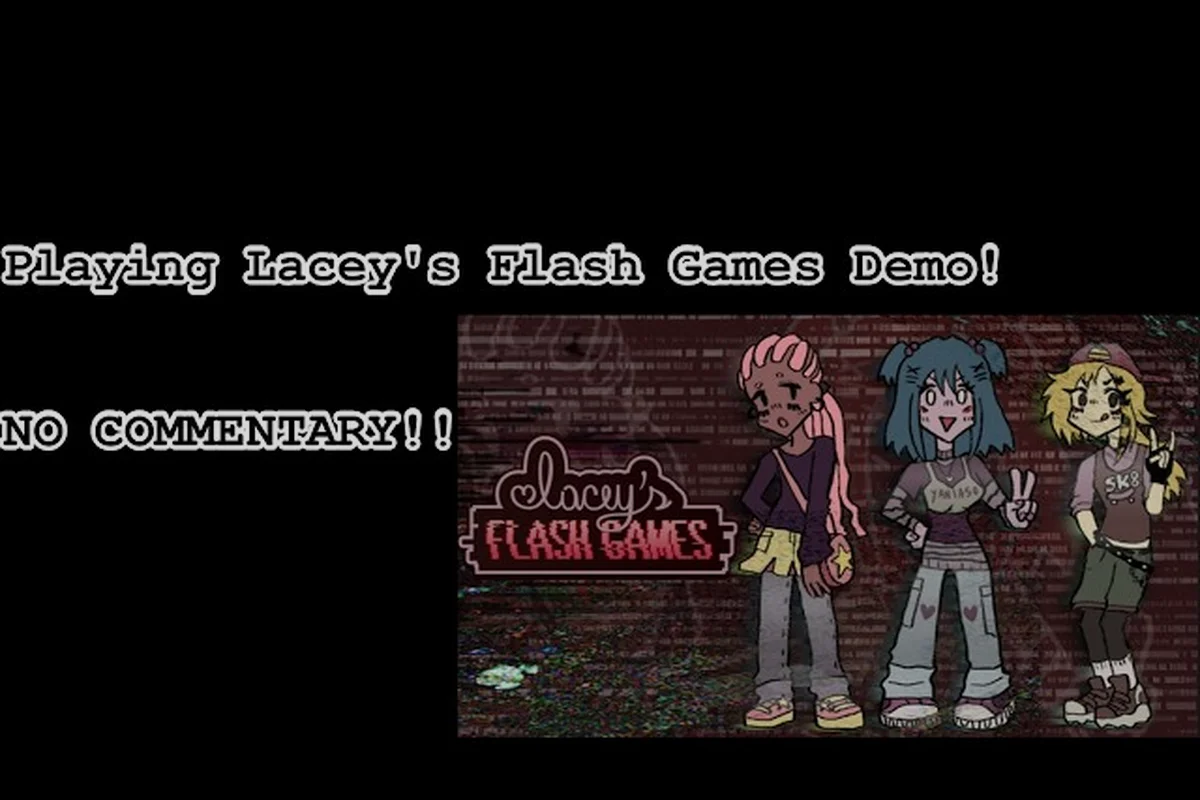
Lacey's Flash Games first playthrough is mostly about learning how the collection wants you to read it, not about racking up a perfect score. If you want to know where to start without fumbling through menus, this quick-start route walks you through the controls, the opening minigames, and the habits that keep a first run clean.
What to Do First in Lacey's Flash Games
The opening ten minutes set the tone for everything after, so resist the urge to click through prompts at speed. The game is a browser-style collection of short Flash minigames wrapped in a strange framing story, and the interface itself carries information you will need later. Read every screen once, slowly, before you touch anything.
Your first real decision is play order. You can bounce between minigames freely, but starting with the gentlest one teaches you the input language before any timer shows up. Here is a sensible opening sequence based on what the minigames actually demand of you.
| Order | Minigame | What It Teaches | Time to Clear |
|---|---|---|---|
| 1 | Cake Decorating | Pointer precision and drag-and-drop | 3-5 min |
| 2 | Love Meter | Reading a meter before committing | 4-6 min |
| 3 | Wardrobe / Mirror | Object interaction and scene reading | 5-8 min |
| 4 | Skateboarding | Timing under light pressure | 6-10 min |
| 5 | Petshop | Combined skills and branch awareness | 8-12 min |
Start with Cake Decorating because it has no fail state worth worrying about. You drag frosting, place decorations, and the game scores your output without punishing a messy first attempt. That low-stakes loop is the best possible tutorial for the mouse handling every later minigame assumes.
Once you have cleared the cake, move to the Love Meter. It is short, but it introduces the idea that a visible gauge is telling you something the text does not. Do not rush the meter; watch how it responds to each choice before you make the next one.
Reading the Opening Screens
The framing text around the minigames is not decoration. Community reports consistently note that small details in the intro screens — names, dates, odd phrasing — resurface later, so treat the first pass as a reading exercise. If a line feels off, note it mentally rather than skipping ahead.
If you want the full picture of who these voices belong to before you continue, the breakdown of who Rocio Yani is in Lacey's Flash Games explains the names that appear in the opening text and why they matter to the wider story.
Lacey's Flash Games Controls Explained
Nothing here is complicated, but the controls are inconsistent between minigames on purpose, and that inconsistency is part of the experience. Learn the baseline once and you will adapt quickly to each new scene. The clearest example is the click-and-drag input: it moves objects in the Wardrobe minigame but applies frosting in Cake Decorating, so the same physical gesture produces a completely different result depending on which scene the hub has loaded. That deliberate remapping is why a single fixed control scheme would flatten the variety Lacey's Flash Games is built around, and why the on-screen prompt, not muscle memory, is your real reference point when a new minigame starts.
| Input | Action | Where It Appears |
|---|---|---|
| Left click | Select, place, confirm | All minigames |
| Click and drag | Move objects, apply frosting, slide items | Cake Decorating, Wardrobe |
| Hover | Reveal prompts and highlight interactables | Most scenes |
| Click on text | Advance dialogue and prompts | Framing scenes |
| Menu button | Return to the hub and switch minigames | Global |
The single most useful habit is hovering before clicking. Many scenes reveal a prompt or a highlight only when the cursor rests on an object, and players who click immediately often trigger an interaction they did not intend. Slow the cursor down and let the scene tell you what is clickable.
Keyboard input is minimal, so you do not need to memorize a control scheme. If a minigame introduces a new input, it will show you the prompt on screen before asking you to use it. Trust the on-screen hints over any assumption carried over from the previous game.
When the Controls Feel Unresponsive
Occasionally a click will seem to do nothing. In most cases the game is waiting for a dialogue line to finish or for an animation to settle, and a second click will register as a separate action. Wait a beat after each click rather than double-clicking, because double inputs can skip a prompt you needed to read.
Where to Start If You Want the Good Ending
Branching choices are tracked from the very first minigame, which surprises people who assume the early scenes are throwaway. The opening framing scene alone can set a flag that the ending tracker reads later, so the first prompt you answer is already part of your route rather than a warm-up. You do not need to play perfectly, but a few early habits make a clean ending run far easier later: clearing each minigame at least once, answering the framing prompts deliberately instead of mashing through them, and keeping your coverage order consistent so the tracker reflects what you actually saw. Players who treat the first ten minutes as a tutorial tend to discover missing coverage only at the finale, when re-clearing early minigames means replaying the whole opening stretch.
-
Read prompts fully before selecting an option, since some choices are worded to look equivalent when they are not.
-
Avoid the obvious "wrong" answer in the framing scenes; the game often flags a bad choice with a small visual tell.
-
Keep one save slot for experimentation and one for a serious run, so a curious detour does not cost you progress.
-
Note which minigames you cleared and in what order, because the ending tracker reflects your coverage.
The ending system rewards coverage more than perfection. If you are curious how the branches resolve before you commit to a route, the guide to the ending where you cover Lacey lays out what that conclusion requires without spoiling the middle of the story.
| Player Type | Recommended First Run | Why |
|---|---|---|
| Curious explorer | Play freely, no route planning | You learn the systems faster by poking at them |
| Completionist | Follow a fixed order, log each clear | Coverage tracking stays clean |
| Story-first | Read every prompt, replay scenes | The framing text is the main draw |
| Speed-focused | Skip optional dialogue, clear minigames fast | Fastest route to the credits |
Lacey's Flash Games Quick Start: A 20-Minute Route
If you only have twenty minutes and want a real feel for the game, this route hits the essential systems without wandering. It is the same sequence experienced players recommend to friends who are unsure whether the collection is for them.
-
Open the hub and read the framing screen without clicking past it. Note any names or dates.
-
Play Cake Decorating to completion, even if the result looks messy. You are learning the drag mechanic, not chasing a score.
-
Run the Love Meter once and watch the gauge respond to each choice instead of guessing.
-
Visit the Wardrobe scene and hover over every object before clicking anything.
-
Return to the hub and check whether any new minigame unlocked.
That last step matters more than it looks. Some scenes only appear after you clear an earlier one, so a quick hub check after each minigame keeps you from missing content that was available the whole time. Players who never return to the hub often report a shorter, thinner experience than the game actually offers.
What to Skip on a First Pass
You can safely ignore score optimization and perfect clears on your first run. Those matter for replay value, not for understanding the game. The one thing you should not skip is dialogue in the framing scenes, because it is the connective tissue between minigames and the reason the collection feels like a story rather than a folder of browser games.
Common First-Run Mistakes Worth Avoiding
Most early frustration in a Lacey's Flash Games first playthrough comes from a handful of habits that are easy to fix once you know about them: clicking through prompt text before it registers, double-clicking a minigame button and firing the action twice, and closing the tab on the hub screen without scanning what just unlocked. None of these will ruin a run, but each one costs time or content — a skipped prompt can hide a branch flag, and a rushed hub exit can leave a whole minigame sitting unplayed. The fix is mechanical, not skill-based: single click, read the screen once, then return to the hub after every clear before moving on.
| Mistake | What Happens | Fix |
|---|---|---|
| Clicking through prompts | You miss clues and branch flags | Read each screen once |
| Double-clicking | Skips a prompt or triggers twice | Single click, then wait |
| Ignoring the hub | Misses unlocked minigames | Check after every clear |
| Chasing a perfect score | Wastes time on run one | Save optimization for later |
| Assuming controls carry over | Misreads a new minigame | Read the on-screen hints |
The hub check is the one people skip most often. It takes five seconds and it is the difference between seeing the full collection and seeing half of it. Treat it as a ritual: clear a minigame, return to the hub, look for anything new, then continue.
Another quiet trap is treating the Love Meter as a guessing game. It is not; the gauge is feedback, and the feedback is readable if you slow down. Players who click fast and hope for the best tend to get inconsistent results and conclude the minigame is random, when it is actually responding to their pacing.
Building Good Habits Early
The habits that carry a first playthrough are simple: read before clicking, hover before selecting, and return to the hub after every clear. Those three behaviors cover most of what the game asks of you, and they make the later, more demanding minigames far less intimidating.
If you find the pacing harder than expected, the difficulty and replay value breakdown explains which minigames spike and why a second run feels different from the first. The spikes cluster around timing-based minigames, where a single mistimed click forces a full restart rather than a partial penalty, so the habits above matter most there. That same restart-on-failure design is why a second playthrough feels different: knowing each minigame's win condition in advance lets you skip exploratory clicking and clear the early hub stages in roughly half the attempts, while the later timing stages still demand the same precision no matter how familiar the layout is.
Setting Up for a Second Run
You will almost certainly want a second pass, and a little foresight on run one makes it much smoother. The game tracks what you have seen — cleared minigames, dialogue branches, and endings — so a clean record of your first route is genuinely useful. Concretely, note which minigames you beat and which you skipped, because the ending you reach depends on how many of them you complete, not just the choices you make in the framing scenes. That distinction is easy to miss on a blind run and hard to reconstruct afterward, which is exactly why jotting it down as you go beats trying to remember it once the credits roll.
-
Keep a short written note of which minigames you cleared and which choices you made.
-
Do not delete your save after finishing; the tracker is tied to it.
-
Replay the framing scenes on run two, since details read differently once you know the ending.
-
Try the opposite choice at the first major branch to see how quickly the story diverges.
The collection is short enough that a second run costs an evening, and the branching is generous enough to justify it. Community discussion around the game's lore suggests the framing story rewards a reread, which is why the full lore breakdown is worth opening after your first credits roll rather than before.
Frequently Asked Questions
What should I do first in Lacey's Flash Games?
Start with the Cake Decorating minigame because it has no meaningful fail state and teaches the drag-and-drop input every later scene assumes. Read the framing screen before you click anything, then return to the hub after each clear to check for newly unlocked minigames.
How long does a first playthrough take?
Most players finish a first pass in roughly one to two hours, depending on how much framing dialogue they read and how many minigames they replay. A focused quick-start route through the opening scenes takes about twenty minutes and gives you a solid feel for the whole collection.
Are the controls the same in every minigame?
No, and that inconsistency is intentional. Left click and drag cover most interactions, but each minigame introduces its own prompt, so read the on-screen hints rather than assuming the previous scene's scheme carries over. Hovering before clicking prevents most misinputs.
Can I miss content on my first run?
Yes, mainly by ignoring the hub. Some minigames only appear after you clear an earlier one, so checking the hub after every clear is the simplest way to avoid a thin experience. Skipping framing dialogue can also cost you branch context that matters later.
Do my early choices affect the ending?
They do. Branching is tracked from the first minigame, and the ending tracker reflects your coverage across the collection. You do not need a perfect run, but reading prompts fully and avoiding obviously flagged bad choices keeps a good-ending route open without extra replays.
A clean first playthrough comes down to three habits: read the screens, hover before you click, and check the hub after every clear. Do those and the collection opens up on its own terms, with the story and the minigames reinforcing each other instead of competing for your attention.